Laptop Reviews
MSI Vector 16 HX AI Laptop Review: RTX 5070 Ti Value
MSI Vector 16 HX AI laptop review: we assess sustained performance, upgrade options, and real-world value beyond the $400 Black Friday discount.

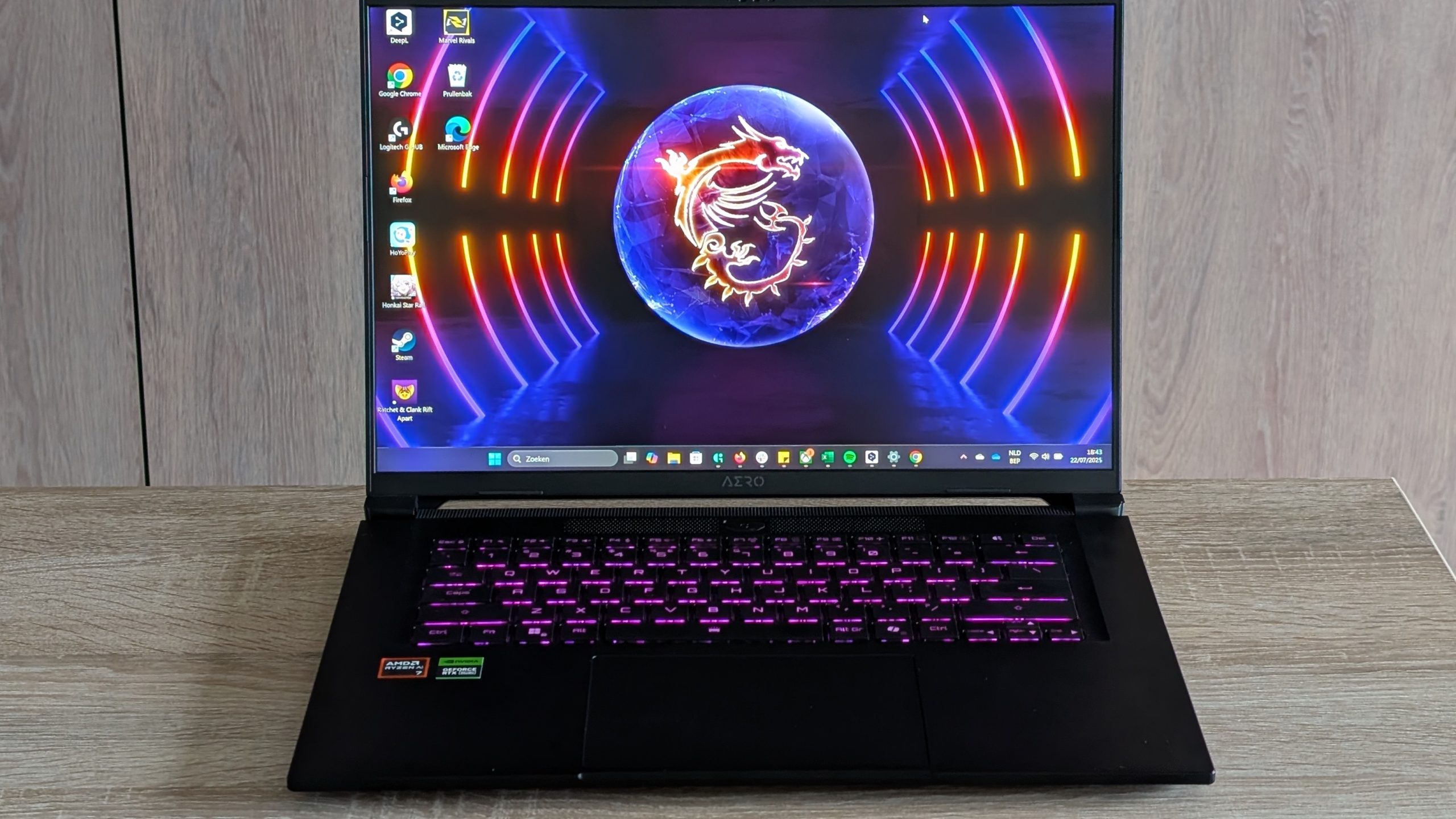
The MSI Vector 16 HX AI laptop with RTX 5070 Ti is a desktop replacement that promises high frame rates and creator-grade performance, but its real value depends on how it holds up in daily use beyond the spec sheet.
What the MSI Vector 16 HX AI Laptop Actually Delivers
Under the hood, the machine pairs an Intel Core Ultra 7 255HX processor—20 cores, eight performance cores, up to 5.2GHz—with an Nvidia GeForce RTX 5070 Ti Laptop GPU running at up to 140W with Dynamic Boost and 12GB of GDDR7 memory. According to TechRadar, that combination gives it “loads of muscle for ray tracing and GPU-accelerated creative applications.” The 16-inch IPS display runs at 1920 x 1200 and 144Hz. Connectivity includes two Thunderbolt 5 ports, HDMI 2.1, Wi-Fi 6E, Bluetooth 5.3, 2.5GbE Ethernet, and an SD Express 7.0 card reader. A 90Wh battery and a 330W adapter round out the package. The keyboard is per-key RGB, according to product images, though typing feel and key travel were not detailed in the sources we reviewed.
How the MSI Vector 16 HX AI Laptop Performs Under Sustained Load
Sustained performance is where the Vector series has earned its reputation. PCGuide reports that independent testing of the Core Ultra 7 and RTX 5070 Ti platform found stable CPU and GPU output under load, thanks to Cooler Boost 5—multiple fans, heat pipes, and shared thermal hardware. The thick rear section provides extra room for cooling. But the same review notes that fan control remains clearly audible even during light use in certain AI-controlled profiles. Full-performance gaming naturally gets louder. Alternative performance modes reduce noise but also lower available power. For anyone working in a shared space or without headphones, that trade-off matters more than the marketing gloss.
The display is another area where marketing claims need scrutiny. The 1920 x 1200 resolution places roughly half the pixel load of a 2560 x 1600 panel, which helps the RTX 5070 Ti reach the 144Hz ceiling without heavy upscaling. Text and game imagery won’t appear as fine as on a QHD+ panel, though the 16-inch size keeps pixel density reasonable. The 16:10 aspect ratio provides more vertical workspace than 1920 x 1080. For competitive gaming, the balance is sensible. For colour-sensitive creative work, the internal screen’s limitations make an external calibrated monitor advisable—a cost that buyers must factor in.
Upgrade Options and Serviceability Decide Long-Term Value
The base configuration ships with 16GB of DDR5-5600 memory as two 8GB modules and a 512GB PCIe 4.0 NVMe SSD. Both are upgradable. MSI lists support for up to 96GB of RAM across two SO-DIMM sockets, and the platform provides a second M.2 slot—retailer documentation identifies it as PCIe 5.0 capable. That means you can add memory and storage without discarding the factory drive. But the upgrade path isn’t free: replacing the 16GB kit with a 32GB matched kit and adding a 1TB SSD will cost extra. Mixed cautions that the 512GB drive “can fill quickly once you install several large games” and advises checking warranty conditions before opening the laptop. Serviceability is a genuine strength—if you’re willing to do the work.
The AI branding deserves a reality check. The Core Ultra 7 255HX includes an NPU rated at 13 TOPS, with total platform AI performance quoted at up to 33 TOPS before the GPU. That does not meet the 40-TOPS NPU threshold for Microsoft’s Copilot+ PC classification. The real AI throughput comes from the RTX 5070 Ti’s 992 AI TOPS, which supports CUDA, NVENC, and NVIDIA Studio applications. So the “AI” in the name is not a shortcut to Copilot+ features; it is a label for GPU-accelerated tasks like DLSS 4, Multi Frame Generation, and creative app acceleration. Buyers expecting on-device AI assistants should look elsewhere or wait for next-gen NPUs.
What the Deal Really Changes for Buyers
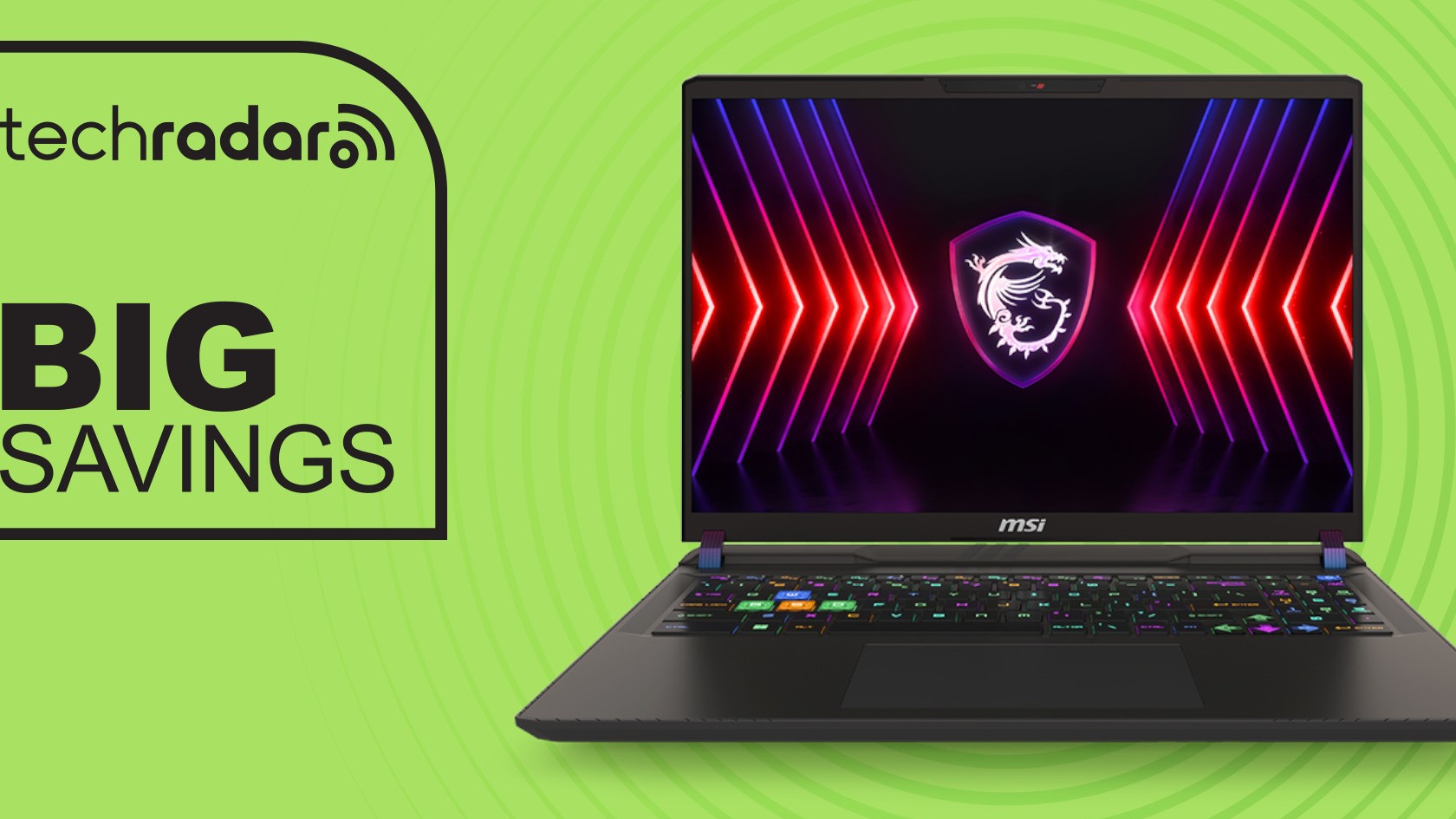
At $1,599 from Newegg (down from $1,999), this configuration is the cheapest RTX 5070 Ti-equipped laptop found by TechRadar. MSI’s own store lists the same A2XWHG-061US model at $1,699, and Walmart marketplace has it from $1,739.99. Intel’s Holiday Bundle adds a choice of two games from seven titles, including Battlefield 6 and Assassin’s Creed Shadows, with codes redeemable through March 15, 2027. Those are real incentives. But the deal’s value depends on where you live. In Nigeria, import duties, VAT, and forex rates can push the effective price well above the US figure. Local warranty support may also be limited. A $400 discount in the US does not automatically translate to a $400 saving in Lagos or Abuja. Buyers should verify the final landed cost and service options before committing.
Alternatives exist. The same Vector 16 HX AI chassis is available with an RTX 5080 and a 240Hz 2560 x 1600 display for $2,299 at Newegg, as TweakTown notes. That model also includes a 1TB SSD and a Core Ultra 9 275HX, but still only 16GB of RAM. The step-up costs about $700 more and addresses the display and storage weaknesses while keeping the memory upgrade on the table. For buyers who can stretch, it is a more balanced machine for creative work. For pure competitive gaming at 1200p, the RTX 5070 Ti model is the better value.
Who Should Buy It and Who Should Skip It
The MSI Vector 16 HX AI laptop is best for performance-focused gamers who prioritise frame rate over display resolution and colour quality. Its RTX 5070 Ti is unusually powerful relative to the basic 1200p panel, making it well suited to competitive shooters. Developers, engineering students, and technical users can benefit from the 20-core processor, Thunderbolt 5, and 2.5GbE. But photographers, video editors doing colour-critical work, and anyone who wants a quiet machine should look elsewhere. The same goes for buyers who expect Copilot+ features out of the box. The real test is not the spec sheet or the discount—it’s whether the machine’s sustained performance, upgrade options, and serviceability match your daily workload. On that measure, the MSI Vector 16 HX AI laptop earns a cautious recommendation for gamers who will upgrade it, and a pass for everyone else.
Frequently Asked Questions
What is the battery life of the MSI Vector 16 HX AI laptop?
Extended gaming will exhaust the 90Wh battery quickly; maximum speed requires the supplied 330W adapter. On battery power, performance falls.
Can you upgrade the RAM and storage on the MSI Vector 16 HX AI laptop?
Yes. Both SO-DIMM memory sockets are accessible, and there is a second M.2 SSD slot. MSI lists support for up to 96GB of RAM. Check warranty terms before opening the laptop.
Is the MSI Vector 16 HX AI laptop a Copilot+ PC?
No. Its NPU is rated at 13 TOPS, below the 40-TOPS threshold for Microsoft’s Copilot+ classification. The GPU provides 992 AI TOPS for accelerated AI tasks, but on-device Copilot+ features are not supported.
 Follow AFRILATEST on Google News
FIRST TIME REACTIONS:
Be the first to leave us a comment – MSI Vector 16 HX AI Laptop Review: RTX 5070 Ti Value, down the comment section.
JOIN US ON OUR SOCIAL MEDIA:

About Xavier Catherine
Xavier Catherine is the Technology Lead at AfriLatest. With a background in computer science and a focus on innovation, he oversees the platform's technology infrastructure. Xavier also contributes reporting on AI, gadgets, and cybersecurity, ensuring AfriLatest remains secure, reliable, and user-friendly.
View all articles by Xavier Catherine

Laptop Reviews
Nvidia Is No Longer a PC Gaming Company: 3 Signs
Nvidia is no longer a PC gaming company. Zero new GPUs in 2026, RTX 60 delayed to 2028, and memory going to AI. Here’s what that means for you.

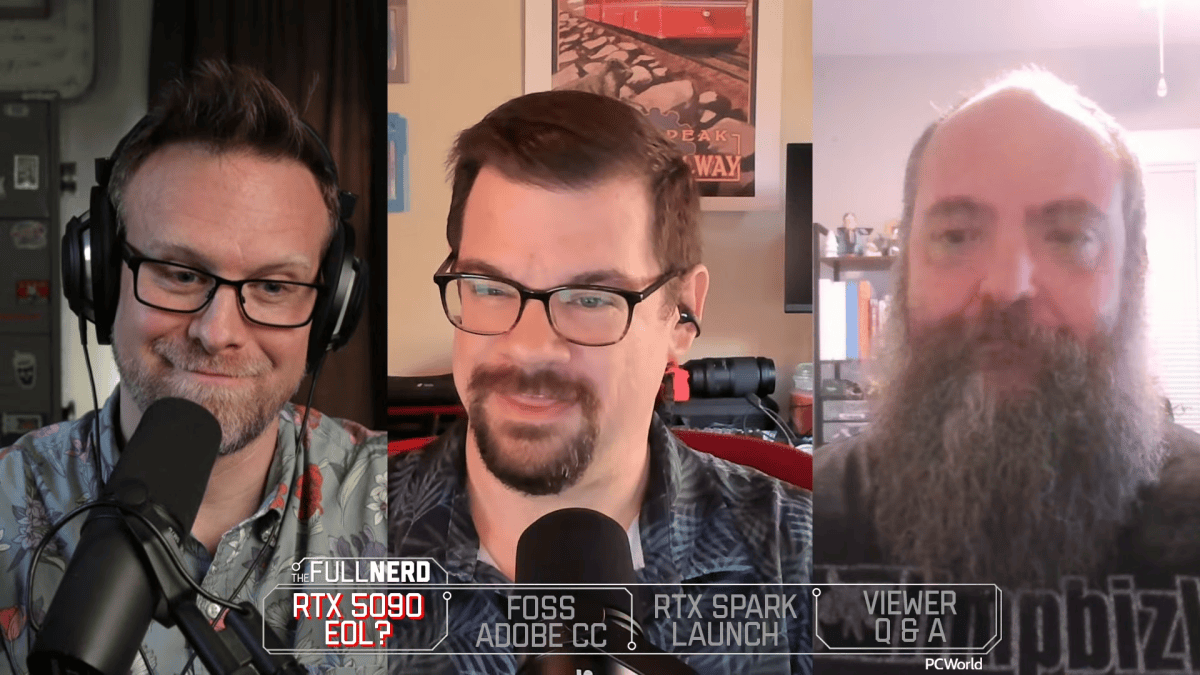
Nvidia is no longer a PC gaming company. That sentence used to feel like a hot take. In 2026, it reads like a weather report. The company that built the GeForce 256 in 1999, nearly went bankrupt doing it, and got rescued by gamers has now shipped zero new gaming GPU architectures through September 2026, breaking a release streak that stretched back roughly 30 years.
That’s not a delay. That’s a skipped generation.
The RTX 50 series launched at CES in January 2025. Since then, nothing. The planned RTX 50 Super refresh, including a 24GB RTX 5080 Super that had reportedly reached completed-design stage, was shelved in December 2025. The next-gen RTX 60 series, built on the Rubin platform, has slipped from a rumored late-2027 launch to 2028. Hardware leaker Kopite7Kimi, who has a near-spotless track record, posted on X that “GR20x is a product from 2028. That means they have postponed again.”
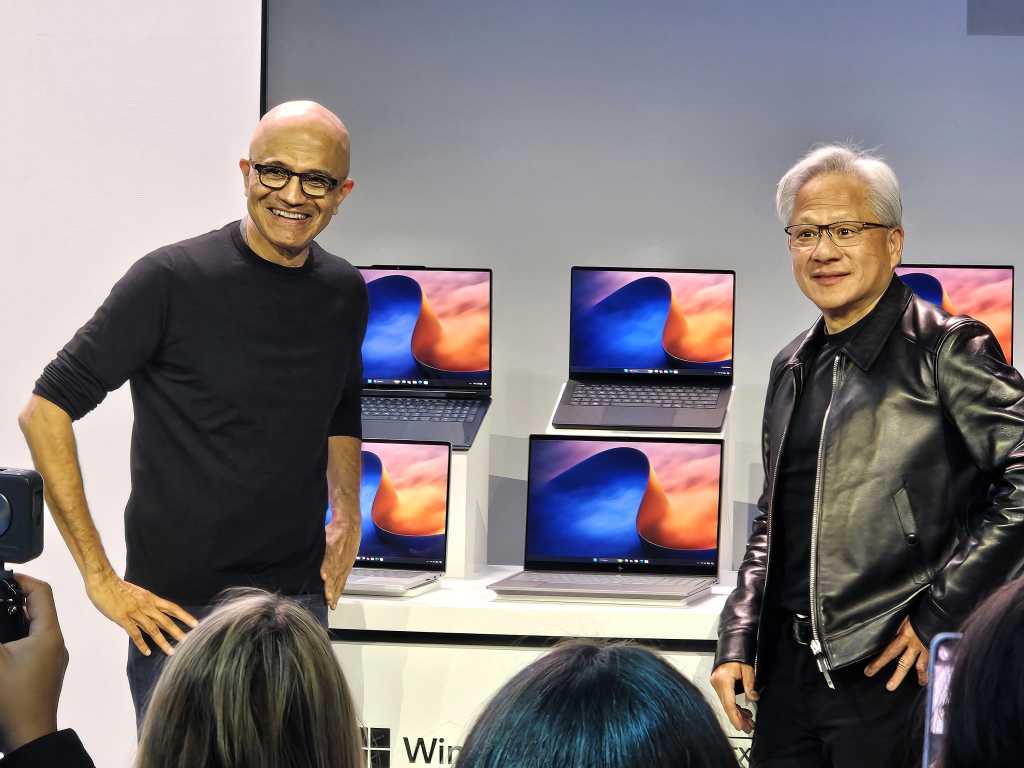
Nvidia’s response to that leak, via Tom’s Hardware, was the standard “we don’t comment on rumors or unannounced products.” Translation: no denial.
Why the Memory Math Kills Gaming GPUs
The cause isn’t chip design. It’s memory. A global DRAM and HBM shortage, which industry press has taken to calling “RAMageddon,” is forcing Nvidia to funnel scarce memory supply toward its far more profitable AI accelerators. Samsung, SK Hynix, and Micron have reportedly sold out their 2026 HBM output to AI data center customers.
Here’s the brutal arithmetic. Nvidia’s AI accelerators carry profit margins near 65%, compared with roughly 40% for consumer gaming GPUs. Every gigabyte of GDDR7 or HBM that goes into a GeForce card is a gigabyte that cannot go into a data center Blackwell or Rubin part selling for tens of thousands of dollars. Analysts say one Blackwell GPU costs up to $40,000. The Futurum Group estimates a full Vera Rubin system will cost up to $4 million. In contrast, Nvidia sells its RTX 50-series gaming GPUs for between $299 and $1,999.
When memory itself is the bottleneck, the highest-margin product wins the allocation fight every time.
Stacy Rasgon of Bernstein Research put it plainly to CNBC: “The gaming segment is no longer the driving force of the company. There was one point when it clearly was.” He added that if there are delays on the gaming roadmap, “it’s probably in large part that they probably can’t make the cards anyways because it’s hard to get the memory.”
The Financials Don’t Lie
Nvidia’s revenue from data center products is now 4-5x that of its consumer hardware revenue. That’s presumably why the company recently stopped reporting GPU sales as a discrete category entirely, instead lumping all GPU hardware sales into one category alongside robotics, automotive, and telecom products.
According to The Verge, Nvidia used to break out data center compute, networking, gaming, professional visualization, automotive, and more. Now that AI has become the Nvidia business and even networking is bigger than gaming, it’s throwing PCs, game consoles, workstations, robots, cars, and cellular base stations all into a new “Edge Computing” catch-all category.
Gaming GPU revenue has shrunk to a small fraction of total company revenue as AI data center revenue has exploded around it. A division that once defined the company is now a rounding error next to AI infrastructure.
What This Means for Your Wallet
The RTX 5090 launched with an MSRP of $1,999. By September 2026, PCGamesN was tracking listings above $6,000, and TechRadar found even the cheapest available card selling for $6,389, nearly 3.2 times its original price. A casual search of major retailers this week turned up precisely zero 5090 cards available for purchase, even at that exorbitant price.
The entry-level RTX 5060 has been pulled from retail entirely for at least six months. Nvidia is reportedly cutting production of existing RTX 50-series cards by an estimated 15% to 20% through at least Q3 2026. The RTX 5070 Ti launched with an MSRP of $750. Now you can only find the card for $1,100 or more, and that’s including sales prices.
Gartner predicts PC prices will rise by 17% this year, causing PC shipments to decline 10.4%. If the entry-level consumer PC market disappears by 2028 as Gartner predicts, the market for Nvidia’s entry-level gaming GPUs is likely to contract too.
Greg Miller, co-founder and host of Kinda Funny Games Daily, told CNBC: “I understand that they’re going to chase that. And that breaks my heart. Dance with the one who brought you. Gamers have brought you this far.”
DLSS 5 and the Generative AI Backlash
Nvidia’s most concrete gaming announcement of 2026 is software, not silicon. DLSS 5 launched September 3, 2026, debuting in NBA 2K27 with day-one support on RTX 50-series GPUs and GeForce NOW. CEO Jensen Huang unveiled it at GTC on March 16 with a sizzle reel of photorealistically enhanced versions of characters in games like Resident Evil Requiem, Starfield, and Hogwarts Legacy.
The gaming community was less than enthused. The controversy is that gamers worry DLSS 5 uses generative AI to change the look of the game. Tim Gettys, Miller’s co-founder at Kinda Funny Games, was a fan of previous DLSS versions for making gaming more accessible on a lower budget. “The technology is mind-blowing for what it can do to make games run on lower-end PCs,” he said. “But then to add this generative AI stuff, it feels like a slap in the face.”
Miller added: “I play video games because they’re an art form. And so I like to see the thumbprint of the creator in what I’m doing. That raised a lot of hair on a lot of necks in the video game industry as we deal with so many layoffs, so many studio closures.”
Gettys’ big fear is that this is a step toward fully AI-generated games, which he thinks is “100% the goal.” Elon Musk has already addressed the potential for it. In an October post on X, Musk said his xAI game studio will release “a great AI-generated game” before the end of 2026.
Should You Buy Now or Wait?
If you’re sitting on an RTX 30-series or 40-series card, hold. The RTX 5080, RTX 5070 Ti, and RTX 5070 are still widely available and plenty good enough for high-res, high-speed PC gaming. The same leak that suggests the RTX 5090 is done for also claims Nvidia will launch a new model of RTX 5080 with 24GB of GDDR7 memory, which should offer a noticeable improvement over the current 16GB cards. But that hasn’t been officially confirmed.
If you’re building a new PC right now, the math is ugly. You’re paying double or triple MSRP for a card that’s already a generation old, with no replacement in sight until 2028. AMD’s Radeon RX 9070 XT demands just under $800, which is still more than its initial launch price, but it’s the closest thing to a sane option. AMD has also felt the memory crunch enough to launch an RX 9070 GRE in the U.S. with only 12GB of VRAM instead of 16GB.
If AI demand collapses the way crypto seemed to crash a few years ago, maybe we’ll see Nvidia take up the mantle of being a PC gaming company once again. But don’t hold your breath. The company has locked in wafer supply from TSMC and expects to make $20 billion from Vera Rubin in Q3 2027. There’s no onus to deliver a potentially less profitable consumer GPU while there’s still cash to be made from hyperscalers.
So play your Steam pile of shame. Get deeper into Linux gaming. Explore the cool things you can do without an RTX 5090. Because the sooner you make peace with the fact that Nvidia is no longer a PC gaming company, the better your blood pressure will be. The cards will keep coming, eventually. They just won’t be for you.
Frequently Asked Questions (Nvidia is no longer a PC gaming company)
Is Nvidia really not making gaming GPUs anymore?
Nvidia still sells existing RTX 50-series cards and says it’s continuing to ship all GeForce GPUs. But it has shipped zero new gaming GPU architectures in 2026, breaking a streak dating back to 1999, and the next-gen RTX 60 series is reportedly pushed to 2028.
Why is the RTX 5090 so expensive?
The RTX 5090 launched at $1,999 MSRP but regularly sells for upwards of $5,000, with some listings above $6,000. The cause is massive demand from AI users combined with a global memory shortage that’s redirecting GDDR7 supply to higher-margin data center products.
Should I buy a GPU now or wait?
If you have an RTX 30-series or 40-series card, hold onto it. If you’re building new, expect to pay well above MSRP for a generation-old card. AMD’s Radeon RX 9070 XT is the closest thing to a sane option at just under $800.
Related Articles
- Burna Boy KCee Attend Jowizaza Newborn Party — Zubby Stole It
- Sleep Earbuds $60 Off: Anker Soundcore Sleep A20 Deal
- Athleticism Is the New Fitness Flex: Train to Move
- Ukrainian drones hit Russian data centers: Yandex outages
- Kojima on Joker 2: Why the Divisive Flop Will Age Well
Receive alerts for Nvidia is no longer a PC gaming company and more like it.
FIRST TIME REACTIONS:
Be the first to leave us a comment – Nvidia Is No Longer a PC Gaming Company: 3 Signs, down the comment section.
JOIN US ON OUR SOCIAL MEDIA:
Laptop Reviews
Essential Applications To Install On Any MacBook: 4 Picks That Earn Their Space
The essential applications to install on any MacBook are not the ones with the biggest marketing budgets. Magnet, Bear, BetterTouchTool and Dark Noise each fix a specific daily annoyance.

The essential applications to install on any MacBook rarely come preloaded. Apple ships a clean, capable machine, then leaves the hard parts of daily use — window clutter, scattered notes, repetitive gestures, noisy offices — for someone else to solve. Four apps keep showing up in that gap: Magnet, Bear, BetterTouchTool and Dark Noise. None of them are flashy. All of them change how the machine feels by the end of the first week.
Magnet: Stop Losing Windows Behind Windows
Magnet exists because macOS still refuses to snap windows the way Windows and most Linux desktops do. Drag a window to the left edge and it fills the left half. Drag it to a corner and it takes that quarter. Keyboard shortcuts do the same thing without the mouse, which matters once you have six or seven windows open and no patience for hunting through Mission Control.
The real payoff is not tidiness. It is that you stop alt-tabbing blindly. Two documents side by side, a browser on one half and a terminal on the other, a reference PDF pinned to a corner — the arrangement becomes muscle memory. Magnet also lets you extend a layout across up to six connected monitors, which sounds excessive until you have tried writing on one screen while a call runs on another.
Bear: Notes That Survive Contact With Real Work
Apple Notes is fine until it is not. Bear is what you graduate to when your notes start carrying weight: meeting records, half-finished drafts, research clippings, shopping lists that somehow became project plans.
The structure is the selling point. Every note can carry multiple tags, and tags can be nested, so a single note can live under work, client names and a project code at the same time without being duplicated. You can mix Markdown-style formatting with tables, images and sketches in the same document. Tags accept icons and emoji, which sounds cosmetic until you have forty of them and need to spot the right one in a second. To-do lists sit inside notes rather than in a separate app, so a meeting note and its action items stay together.
BetterTouchTool: Make The Hardware Obey You
BetterTouchTool is the strangest app on this list and the one with the steepest learning curve. It lets you remap gestures and inputs across the trackpad, the mouse, the Touch Bar on older MacBooks, and keyboard shortcuts. A three-finger tap can launch an app. A specific swipe can close a tab. A corner click can trigger a script.
That flexibility is the point. Most people use maybe ten percent of what the app can do and still come out ahead, because the ten percent is the part they touch fifty times a day. The trade-off is real: the settings panels are dense, and a badly chosen gesture will fight the system default until you undo it. Budget an evening, not five minutes.
Dark Noise: Focus Without An Ad Break
Dark Noise plays ambient sound — heavy rain, distant thunder, a thunderstorm, and a long list of others. The free version caps you at eight sounds, which is more than enough for most people.
The comparison that matters is not against other ambient apps. It is against pulling up a rain playlist on Spotify or YouTube and getting interrupted by an ad in the middle of a deep work block. Dark Noise does not do that. It plays the sound, it keeps playing the sound, and it stays out of the way. You can run it across multiple devices if you want the same sound in more than one room.
How To Choose What Goes First
Install Magnet first if your screen is always crowded. Install Bear first if your notes are a mess. Install BetterTouchTool first if you already know which gestures annoy you. Install Dark Noise first if your problem is the room you work in, not the machine on the desk.
None of these apps are expensive, and none of them require you to rebuild your workflow around them. That is the test for the essential applications to install on any MacBook: they should disappear into the way you already work, then make that way faster. Start with one. You will know within a day whether it stays.
Frequently Asked Questions
Are these apps free?
Magnet and BetterTouchTool are paid apps with trial options. Bear has a free tier with paid upgrades. Dark Noise is free with a cap of eight sounds in the free version.
Does Magnet work with more than one monitor?
Yes. Magnet supports extending screen arrangements across up to six connected monitors.
Why use Dark Noise instead of a rain playlist?
Because playlists on Spotify and YouTube interrupt the sound to play ads. Dark Noise does not.
Related Articles
- Malnutrition Cases Surge 18% in Northeast Nigeria: ICRC Alarm
- AI Hacks Leave a Mess: Who Pays When Agents Go Rogue
- Burna Boy KCee Attend Jowizaza Newborn Party — Zubby Stole It
- Sleep Earbuds $60 Off: Anker Soundcore Sleep A20 Deal
- Athleticism Is the New Fitness Flex: Train to Move
FIRST TIME REACTIONS:
Be the first to leave us a comment – Essential Applications To Install On Any MacBook: 4 Picks That Earn Their Space, down the comment section.
JOIN US ON OUR SOCIAL MEDIA:
-

 Car Reviews3 weeks ago
1955 Chevy Bel Air Restomod: What SEMA Really Proves
-
AI & Technology4 weeks ago
AI Scam Protection in 2026: What Actually Works
-
Health and Fitness4 weeks ago
Medicare 2027 Changes: Costs, Drug Prices and What to Do
-
Celebrities4 weeks ago
Celebrity Traitors Final Predictions: Ex-Players On Tactics
-
Celebrities3 weeks ago
Hailey Bieber PMDD Diagnosis Followed Son Jack’s Birth
-
Business & Finance4 weeks ago
2027 Medicare Changes: Costs, Caps and Deadlines